Welcome to LangBot Documentation
LangBot is an open-source LLM bot platform connecting Discord, Telegram, WeChat, Slack and more to GPT, Claude, Gemini, DeepSeek and Dify. Start here.
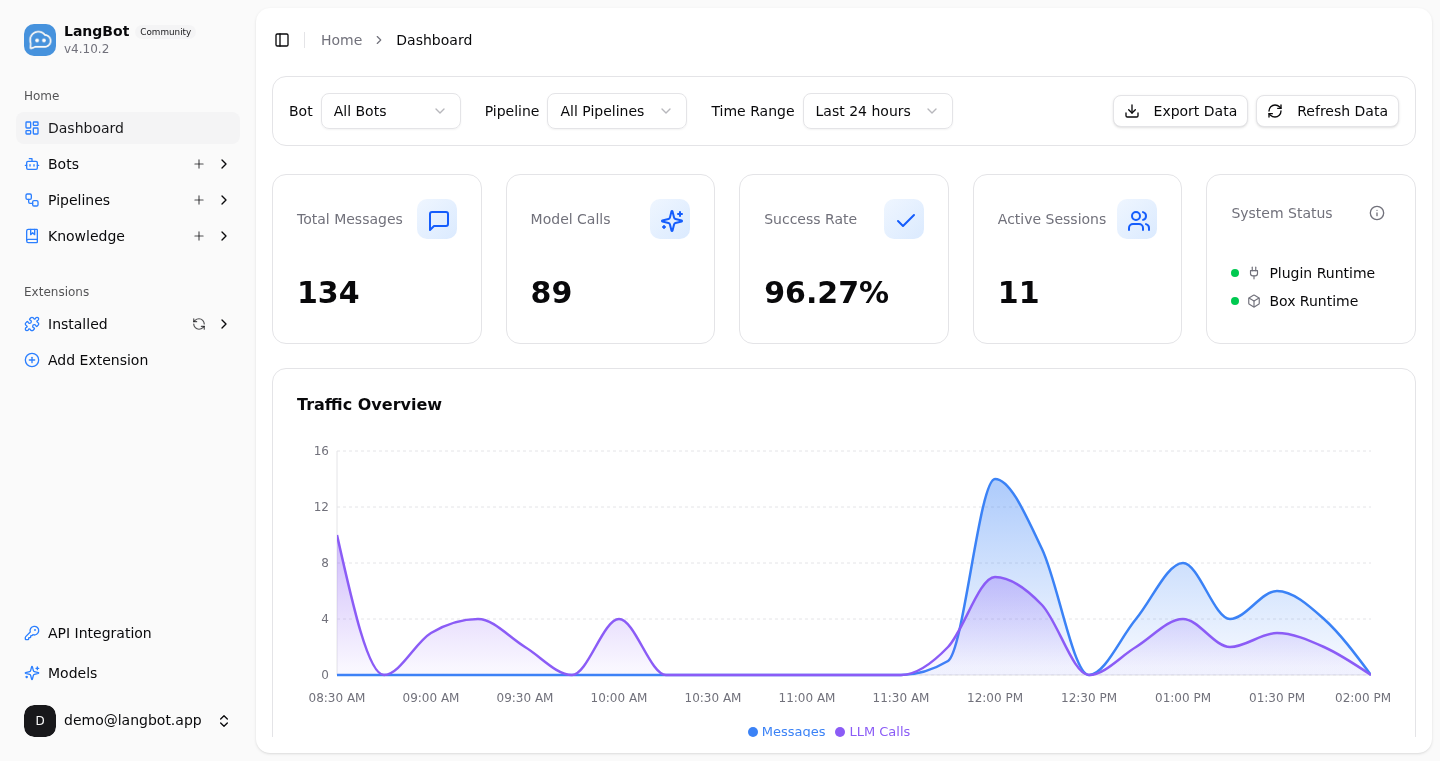
LangBot is an open-source, production-grade, LLM-native instant messaging bot platform. It connects large language models — OpenAI, Anthropic, Gemini, DeepSeek and more — and Agent platforms like Dify, Coze and n8n to mainstream messaging platforms including Discord, Telegram, Slack, QQ, WeChat, WeCom, Lark and DingTalk. With built-in Agent, RAG knowledge base, MCP, Skills and a code sandbox, plus an out-of-the-box web management panel, you can get your AI bot online in minutes — no hand-written config files required.
What You Can Build
- AI customer service / enterprise assistant: deploy a knowledge-base-backed AI agent to Slack, Discord, Lark, WeCom or DingTalk to answer customer and employee questions automatically.
- Community operations: provide AI-powered Q&A, content moderation and interaction in Discord, Telegram and QQ groups.
- Workflow integration: plug your existing Dify / n8n / Coze workflows straight into chat platforms — no need to rewrite business logic.
- Multi-platform reach: one bot covers every platform, managed centrally from a unified panel.
Start Here
Follow this path to get familiar with LangBot, then explore the guides relevant to your needs.
- Explore features and platforms: read the feature overview and platform support to see whether LangBot fits your use case.
- Choose how to deploy: use LangBot Cloud without managing your own server, or self-host with Docker or a package manager.
- Connect bots and models: see bot configuration, model configuration, and pipelines to learn how messaging platforms connect to AI capabilities.
- Add more capabilities: extend your bot with knowledge bases, plugins, MCP, and Skills.
- Explore examples or contribute: find ideas in practical articles, or read about plugin development and core development setup.
If you run into problems, check troubleshooting or ask the community.
Let an AI agent help you deploy and use LangBot
Copy the prompt below into your AI assistant. It starts with the official documentation and adapts its help to your environment and goals.
Read https://langbot.app/llms.txt first and follow its official guidance to help me deploy and use LangBot, install the LangBot CLI, and configure and manage my instance with the CLI. Adapt to my goals and environment, reuse an existing instance when possible, and verify a real message and reply on my target messaging platform. Respond in English.