AI agents that work in your chats
Put AI assistants in Slack, Discord, Telegram, WeChat and more to serve customers, run communities and help your team.
Buying for a team or company? Talk to sales
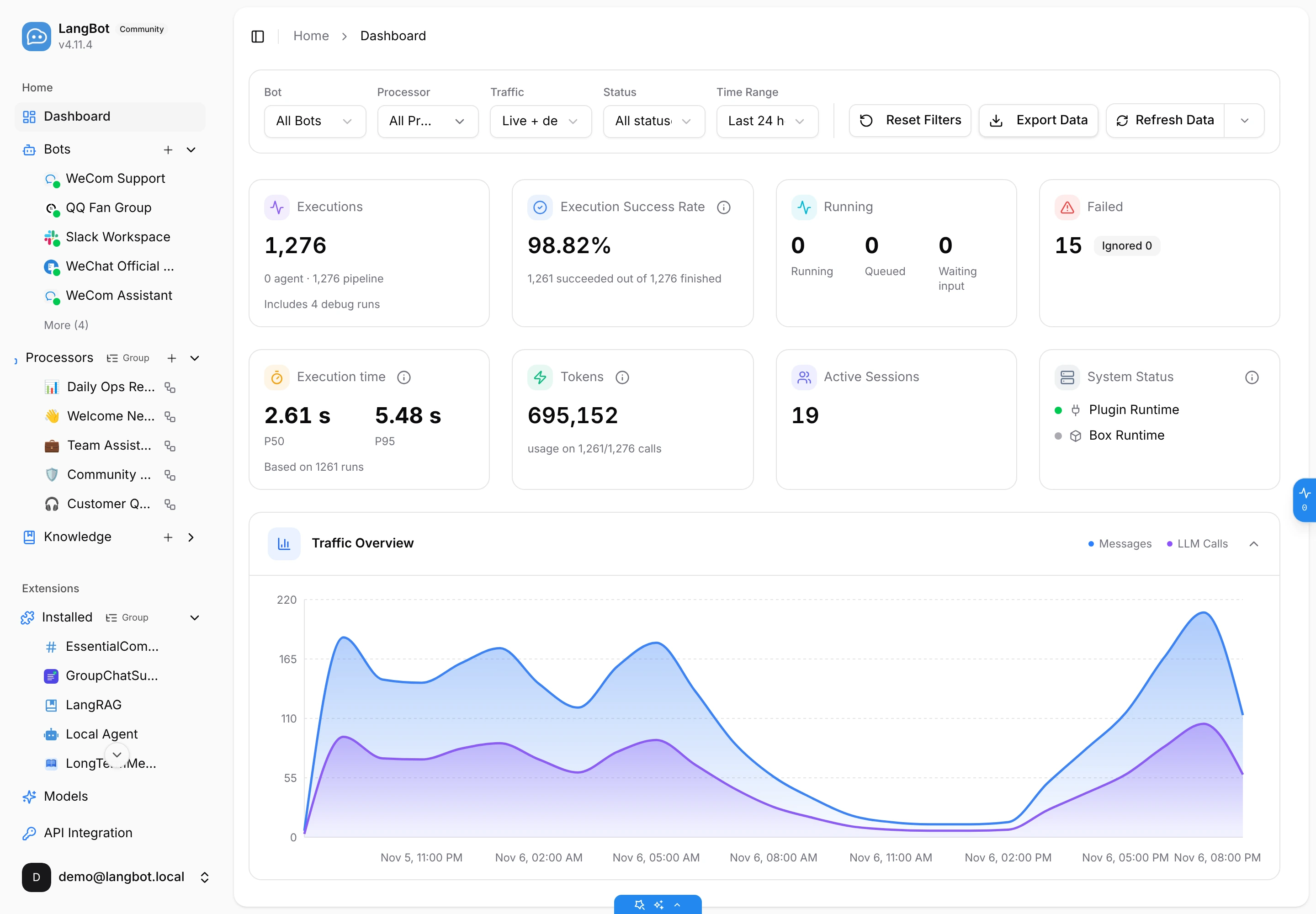
On call in the chat apps people already use
What it does
One LangBot for your customers and your team
Nobody has to change how they work. Customers and teammates keep chatting where they already are, and the AI picks it up from there.
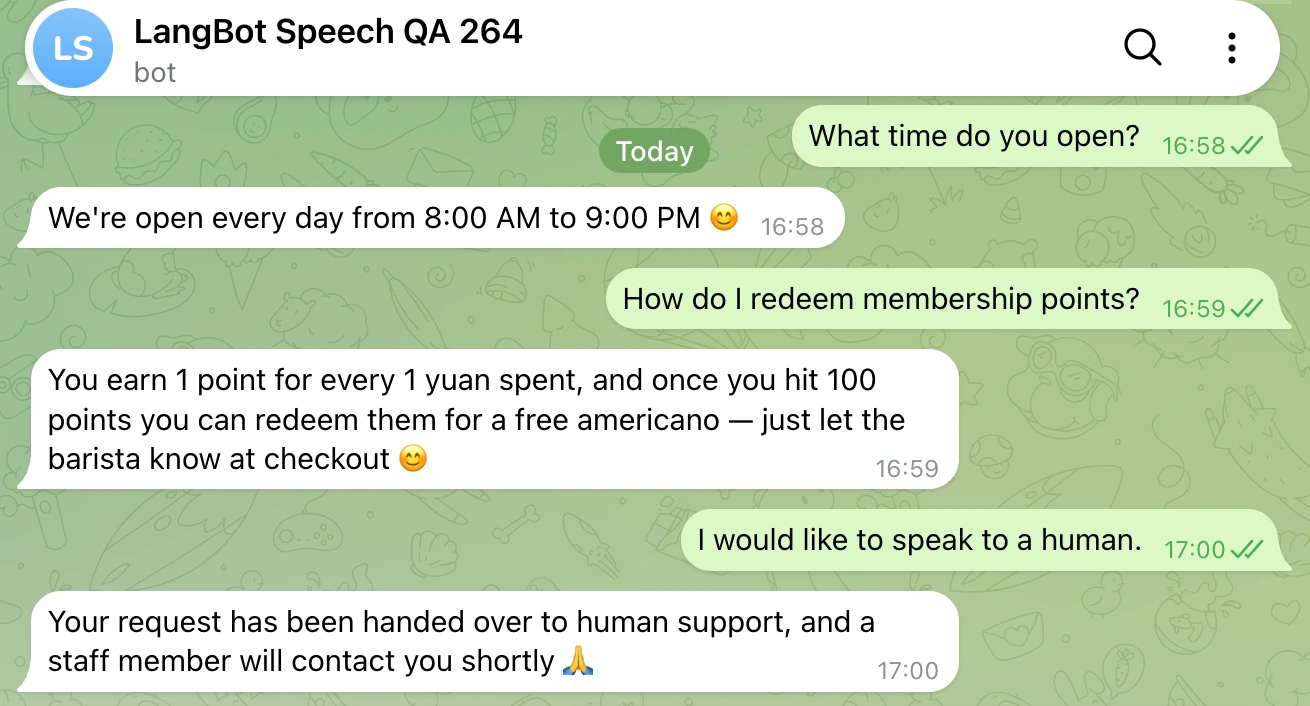
Customers ask anytime. AI answers right away.
Give it your product info, pricing and FAQs. When customers ask in WeChat, LINE, Telegram or your support channels, it answers from your own material, and hands tricky questions to a human through a plugin.
- Answers from your own docs
- Online nights and weekends
- Hands off to a human when needed
Easy to start
Three steps to put AI to work
No code to write and no server to buy.
- 1
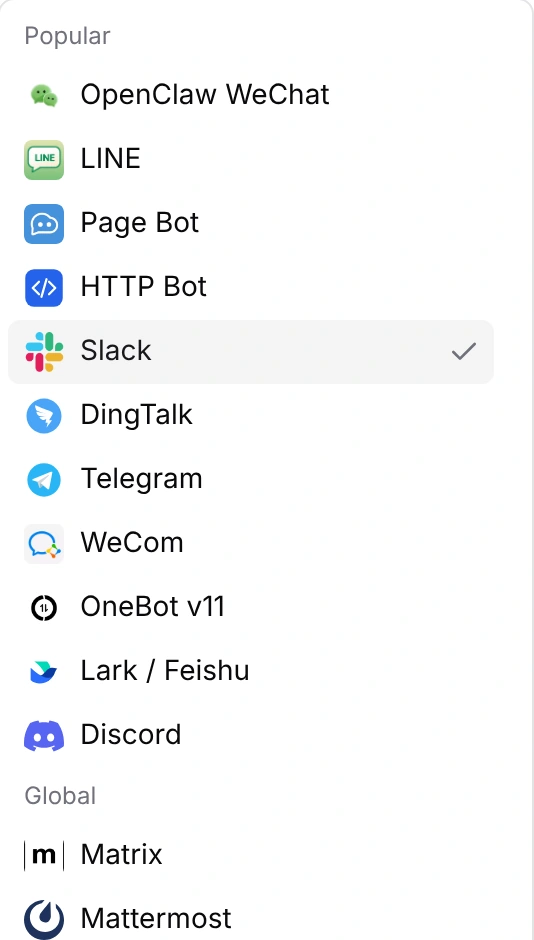
Pick a chat app
Slack, Discord, Telegram, LINE, WeChat, Lark, DingTalk and more. Some platforms connect with a single QR scan.
- 2
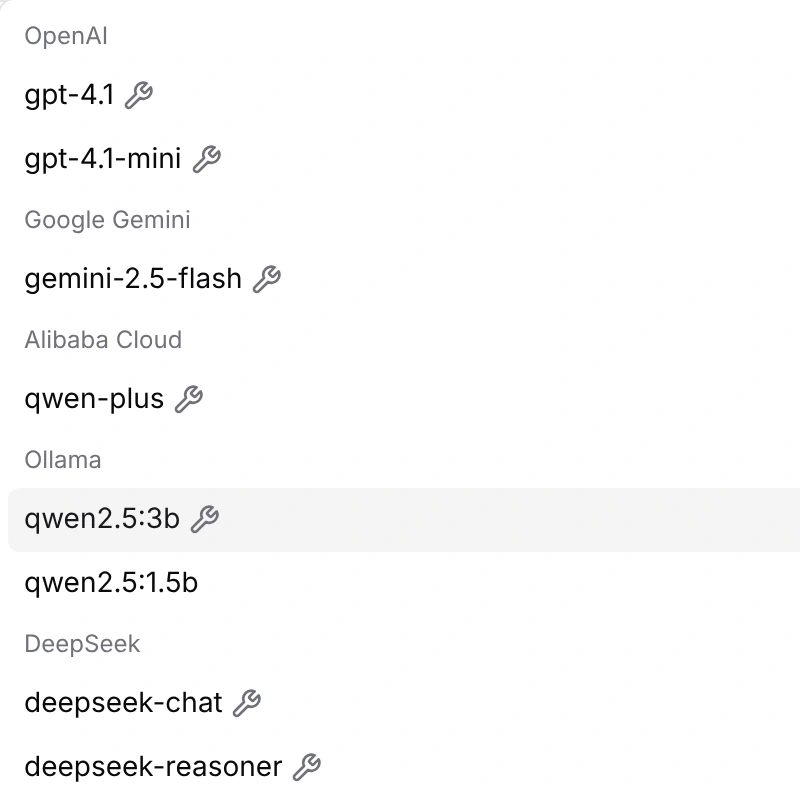
Pick an AI
Use built-in mainstream models, or connect an app you built on Dify, n8n or Coze.
- 3
Tell it what to do
Describe its role in a few sentences, give it some material, and it's ready to go live.
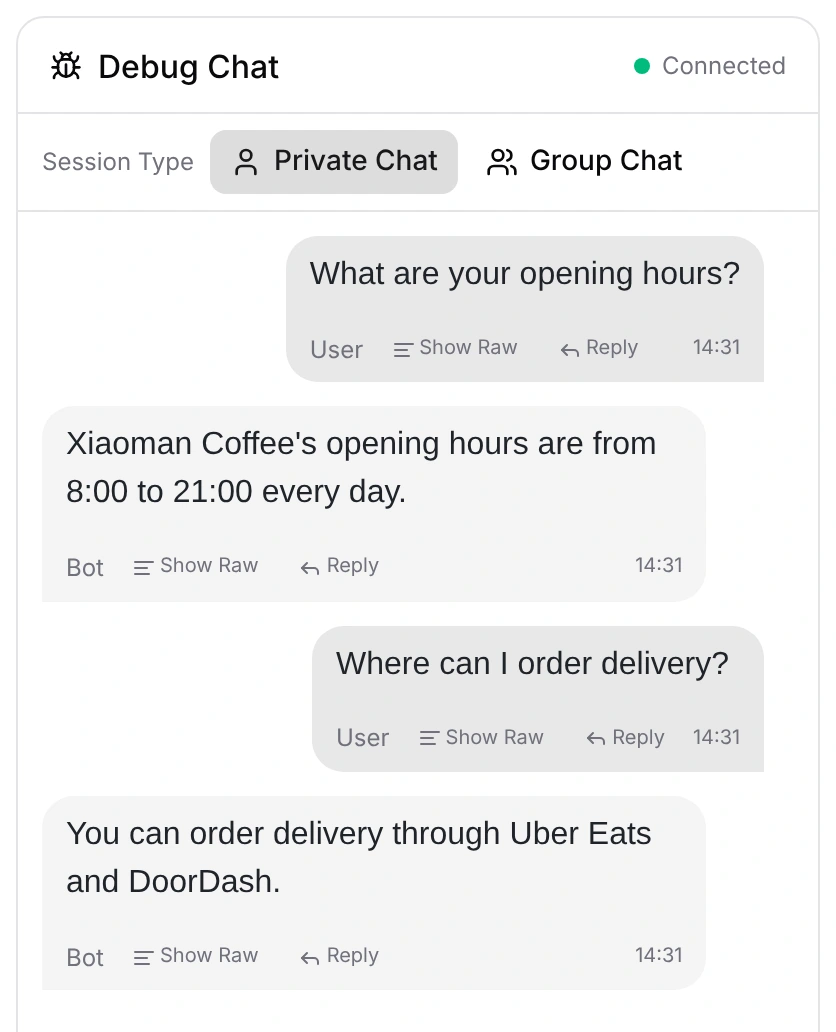
Why LangBot
Useful on day one, solid for the long run
From a small team to customer-facing production, the essentials are already there.
Describe it, and it gets built
The built-in Workspace Assistant turns a plain-language request into bots and settings, and asks before every change.
Set up a support bot for my coffee shop that answers opening hours and loyalty questions
More than Q&A
Someone joins, leaves, sends a friend request or clicks a card: every event can be handed to the AI.
Add skills anytime
Hundreds of plugins, MCP servers and skills, installed in one click. Reviewed releases carry a Certified badge.
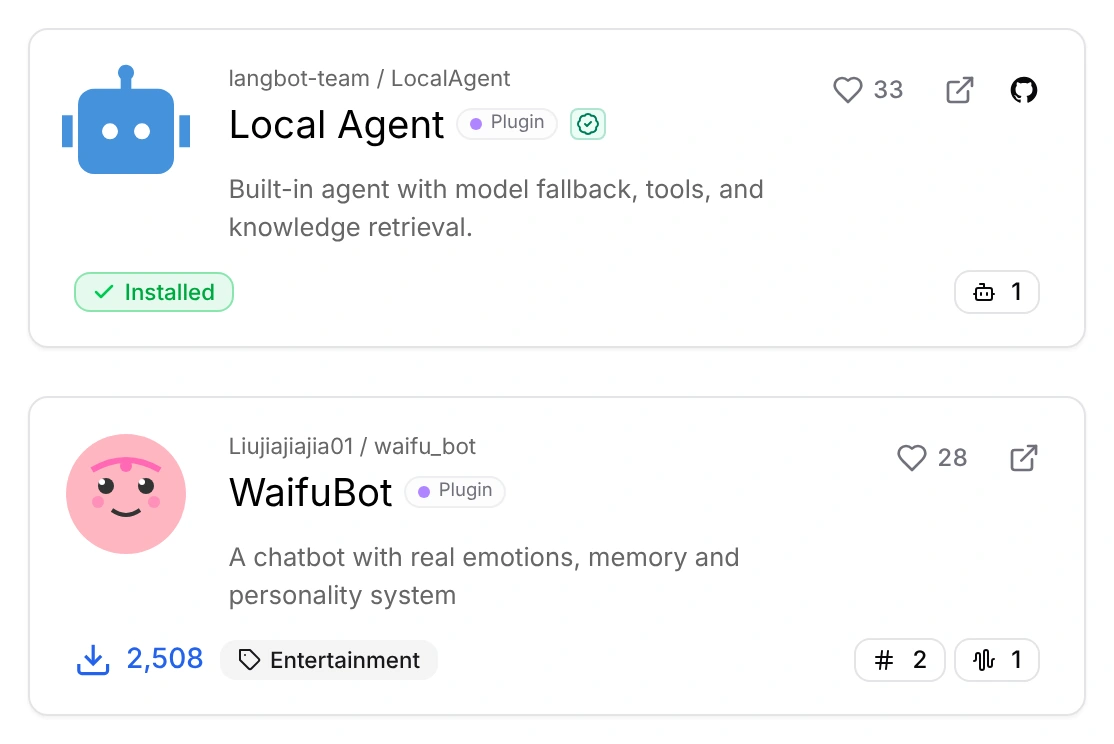
Answers grounded in your docs
Upload documents to build a knowledge base, or connect Dify, RAGFlow and other external ones.
A safe sandbox for real work
When code needs to run or files need processing, the AI works in an isolated sandbox with the tools you allow.
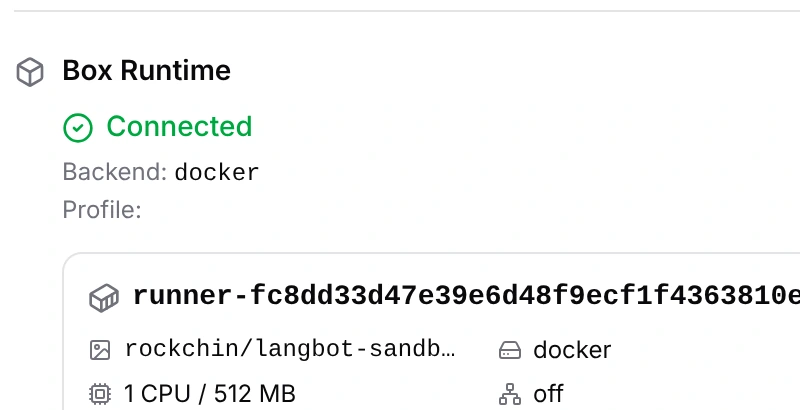
Run it together
Invite teammates to a workspace and give each a role: who configures, who operates, who only views.
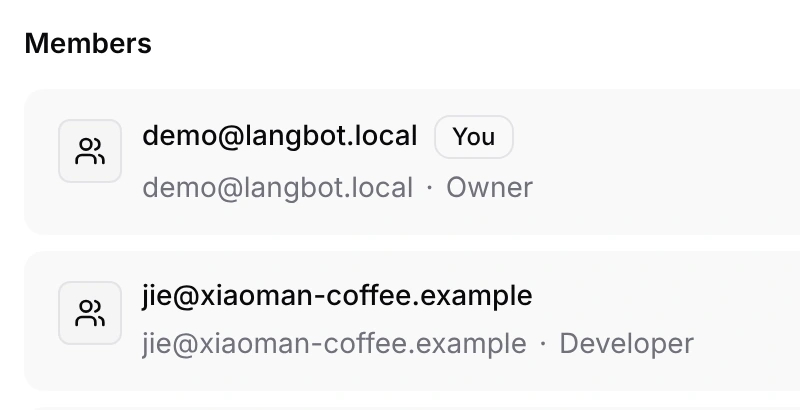
Every step on record
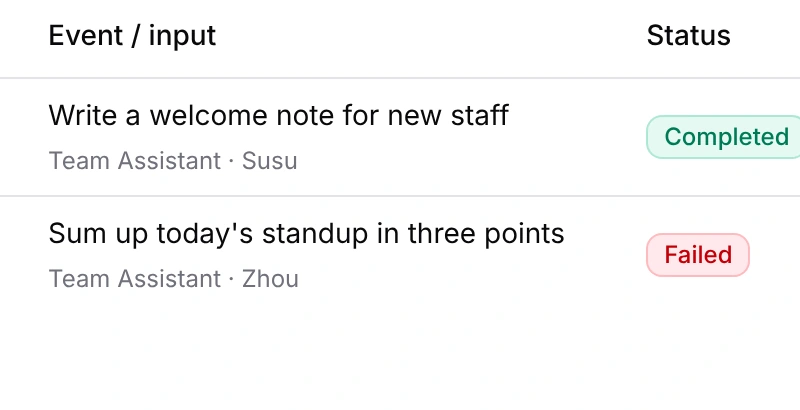
Messages, AI calls and user feedback are all logged, so you can trace issues and export reports.
Security you can see
Passkeys and two-factor sign-in, an operation log for important changes, and reviewed plugins.
Try it yourself
Chat with a LangBot bot
These are real bots we run on LangBot. Pick one and start a conversation.
Telegram
Start chattingBasic chatSandbox tools
Demo bots for more platforms are on the way...
Open by design
Bring the AI you already use
Mainstream models work out of the box, and apps or agents built elsewhere move straight into your chats.
Models
- OpenAI
- Claude
- Gemini
- DeepSeek
- Qwen
- GLM
- Kimi
- Ollama
AI apps & agents
- Dify
- n8n
- Coze
- FastGPT
- Langflow
- DeerFlow
- Bailian
- Claude Code
- Codex
Extension marketplace
Plugins, MCP servers and skills that teach your AI new tricks in one click. Reviewed releases carry a Certified Plugin badge.
Put AI to work today
Sign up for the cloud and go live in minutes. Your AI assistant handles messages 24/7, with no computer or server of your own to keep running.
Rather not use the cloud? Self-host, or let an agent set it up
One command, no Python needed.
Other options
Need more for production or your team?
Dedicated for production traffic; Enterprise for official support, contracts and compliance.


LangBot is an open-source AI bot platform. It brings AI assistants into Slack, Discord, Telegram, LINE, WeChat, Lark, DingTalk and other chat apps, so they can serve your customers, look after your community and help your team with everyday work.
Slack, Discord, Telegram, LINE, WeChat (official and personal accounts), WeCom, QQ, Lark, DingTalk, KOOK, Mattermost, Matrix and more, with new platforms added regularly.
Yes. Sign up for Cloud and a step-by-step wizard creates your bot in a few clicks. The built-in Workspace Assistant can also set things up from a plain-language description.
Not necessarily. Cloud and Dedicated are hosted by us. If you want your data entirely on your own machines, you can self-host with Docker.
LangBot is open source under Apache 2.0. Self-hosting has no feature limits and commercial use is free. Managed hosting and enterprise support are paid options; see the pricing page.
OpenAI, Claude, Gemini, DeepSeek, Qwen, GLM, Kimi, Ollama and other mainstream models are supported. You can also connect apps you built on Dify, n8n, Coze, FastGPT or Langflow.
Give it a knowledge base so it answers from your material, hand tricky questions to a human through a plugin, and review every conversation and call in the logs to keep improving.
Yes. LangBot already runs in multiple production environments, with team members and roles, an operation log and two-factor sign-in. Choose Dedicated for a more stable environment, or subscribe to Enterprise Support for official support, contracts and invoices.